Discover
Running containers appear on their own, including containers that are not in a Compose stack. There is no project to select and no port list to keep.
 ContainerMesh
macOS menu bar
ContainerMesh discovers Docker containers and connects to them through ContainerTunnel. You choose which names to publish. Networking stays off until you explicitly opt in.
Running containers appear on their own, including containers that are not in a Compose stack. There is no project to select and no port list to keep.
The usual name is the container plus mesh.test. A Compose stack can be included. Any container can stay unpublished.
After you choose Enable automatic networking, ContainerMesh connects when it opens, and until you pause it.
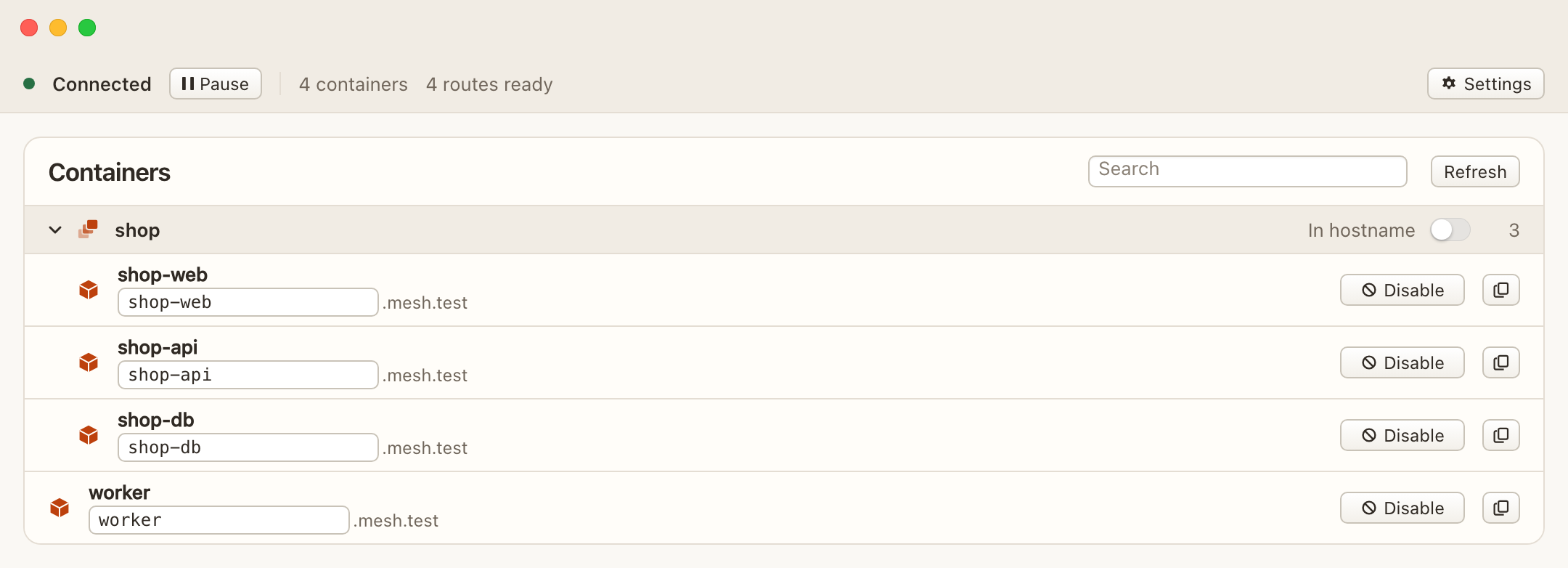
Use the port the application already listens on. Port 80 is http://shop-web.mesh.test/. Port 5432 is shop-db.mesh.test:5432.
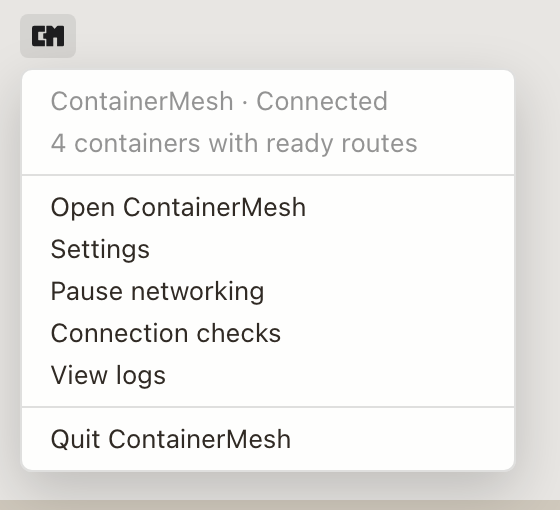
Opening Docker Desktop does not turn networking on. Finishing the prerequisite check does not turn it on either.
Automatic connection starts only when you choose Enable automatic networking.
Pause keeps the connection off across later launches. Quit disconnects for this session and leaves that saved choice for the next launch.